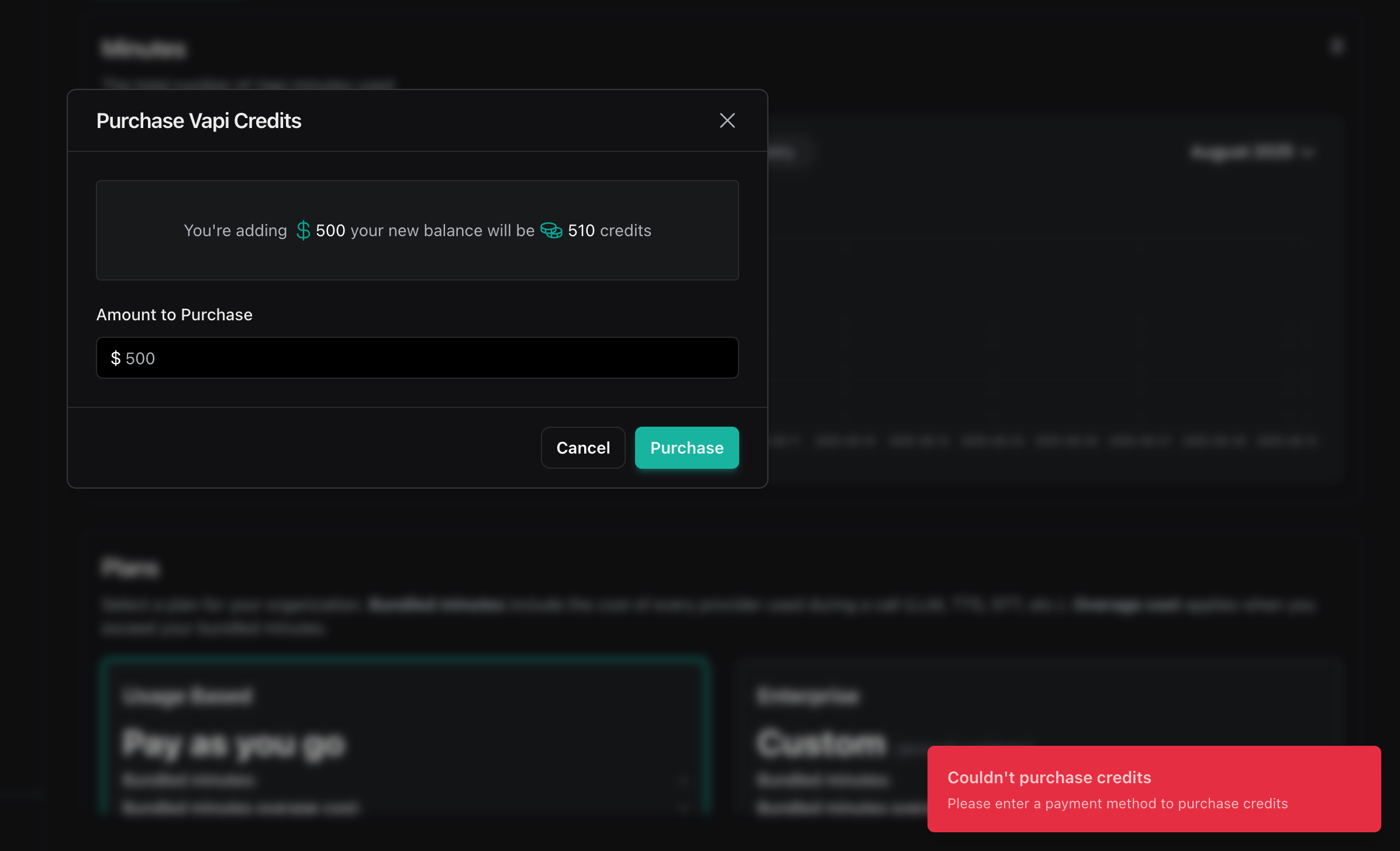
 F
Fi am also facing the same issue
 T
Tcan anyone tell us solution @Vapi Team
 C
CSame here
T@Vapi Team
C@Vapi Team any news here?
CFor those with the same problem, I was able "solve" it. Went to the payment method section, added all info. The payment method remains with a link that actually has a checkbox, I clicked there and continued the process in the pop-up. After closing the pop-up I saved twice (once disabling the payment method and another one enabling it. Both showed error messages). I clicked the "{ } Version" link at the right side of the "Buy credits" button in the bottom left and then a notification showed on the bottom right saying "Payment method selected" (or something like this -- I have no idea if that made any difference TBH but the notification showed right after that). Clicked on the "Buy More Credits" button and it worked
Pretty crazy, I'm not sure what happened so that's why I described step I took. Good luck, guys!
Pretty crazy, I'm not sure what happened so that's why I described step I took. Good luck, guys!
CMake sure you validated your e-mail for Link (Stripe)
