I am facing an issue connecting Google Calendar to my Vapi account.
Hi Vapi team,
I am facing an issue connecting Google Calendar to my Vapi account.
Steps to reproduce:
-Go to More → Integrations → Tools Provider → Google Calendar
-Click Connect
-Select my Google account and allow all requested permissions
-Google shows the flow as finished and redirects back to Vapi, but the button still shows “Connect” and the integration is not saved
Details:
-Assistant ID: d78737b7-1c9d-4ef3-a31a-eda8b32ad1fd
-Google account email used: yapdiyan@gmail.com
-Tried multiple times, different browsers, and incognito; issue persists
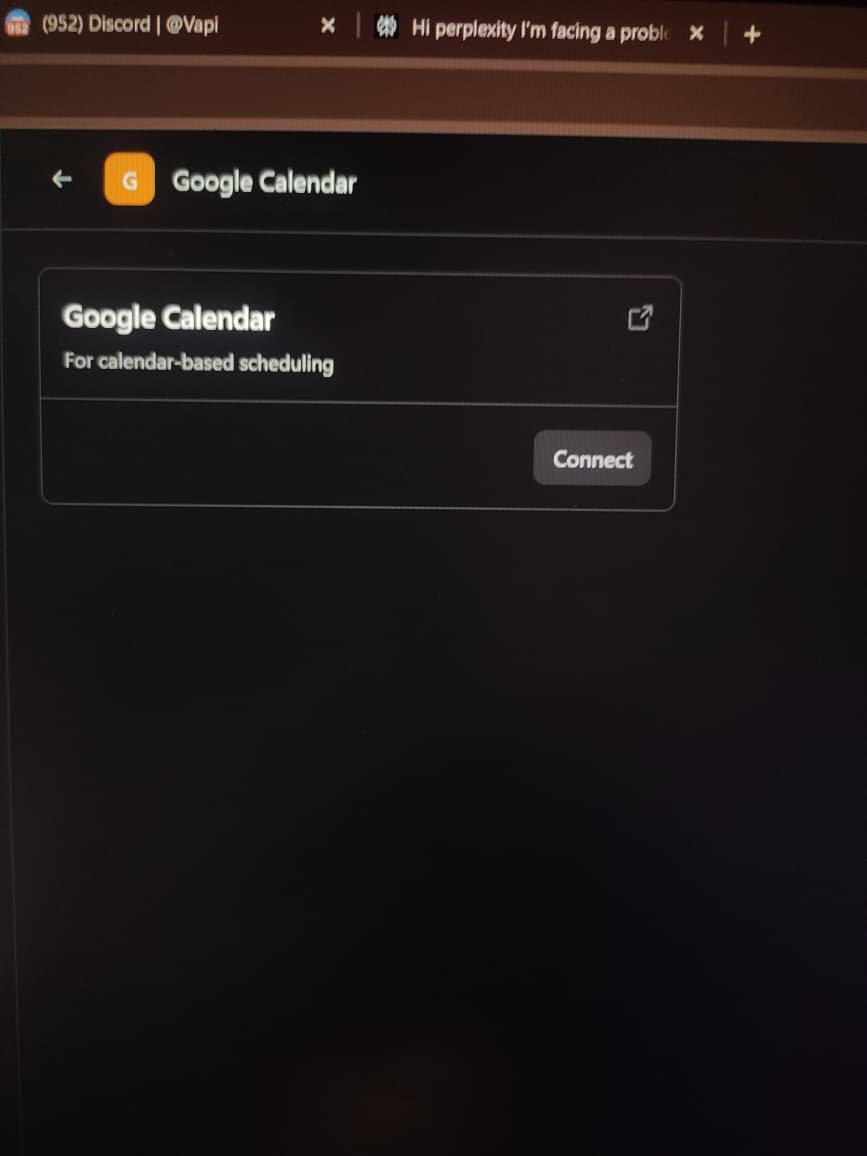
-Screenshot attached (shows the Google Calendar integration page with the Connect button)
I saw that other users are reporting similar Google Calendar integration issues (OAuth finishes but connection does not persist). Could someone from the team please help check my account on the backend or share a current workaround so I can use calendar-based scheduling for my client?
support
I am facing an issue connecting Google Calendar to my Vapi account.
Steps to reproduce:
-Go to More → Integrations → Tools Provider → Google Calendar
-Click Connect
-Select my Google account and allow all requested permissions
-Google shows the flow as finished and redirects back to Vapi, but the button still shows “Connect” and the integration is not saved
Details:
-Assistant ID: d78737b7-1c9d-4ef3-a31a-eda8b32ad1fd
-Google account email used: yapdiyan@gmail.com
-Tried multiple times, different browsers, and incognito; issue persists
-Screenshot attached (shows the Google Calendar integration page with the Connect button)
I saw that other users are reporting similar Google Calendar integration issues (OAuth finishes but connection does not persist). Could someone from the team please help check my account on the backend or share a current workaround so I can use calendar-based scheduling for my client?
support