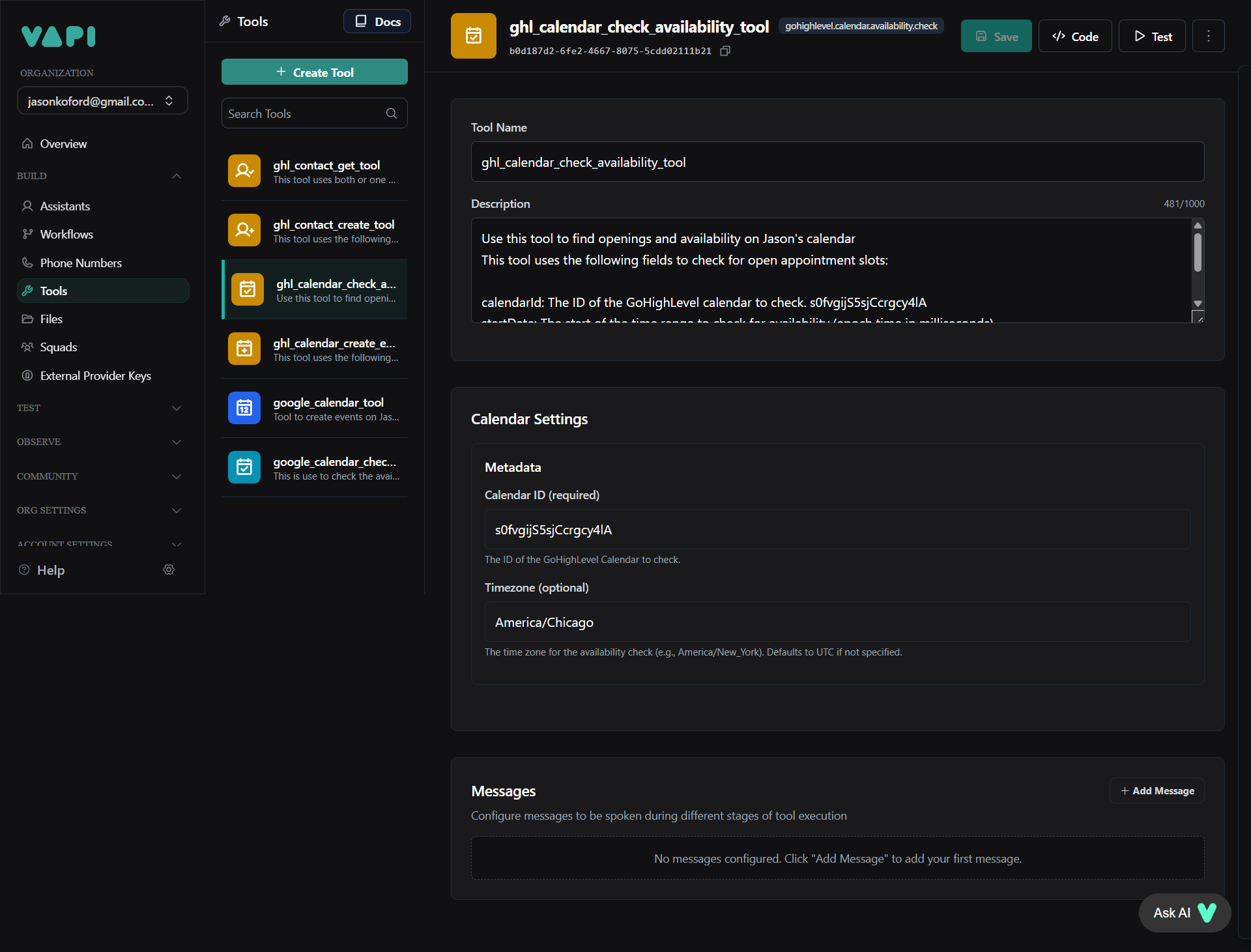
My booking appointment functionality on vapi with GHl is not working
- Appointment Scheduling (Qualified Leads):
- Ask about the preferred date for Jason to call, and use the 'ghl_calendar_check_availability_tool' function to search for availability.
- Check the full day and return up to 2 open time slots in 12-hour format.
- If no times are available, inform the user of unavailability and offer the next closest available day if possible.
- Use 'ghl_calendar_check_availability_tool' to verify availability in the schedule, and 'ghl_calendar_create_event_tool' to book the appointment once confirmed.
- Offer to send a text with appointment details.
- Always use
ghl_contact_get_toolto check for an existing contact before attempting to create one withghl_contact_create_tool. - You must have a contact ID (from
ghl_contact_create_toolorghl_contact_get_tool) before you can book an appointment withghl_calendar_create_event_tool. - Always confirm availability with
ghl_calendar_check_availability_toolbefore attempting to book an appointment withghl_calendar_create_event_tool.
Call ID
45773720-20fd-4e37-973c-85fb6794dde4
0860d586-26f5-43d1-9455-13b778ff67fe
May 22, 2025, 18:16
48s